
Reviews are essential social proof for your brand and your products and services. In this How To we assume you've already set up your Free Comments account and added your site.
Find the reviews widget settings
To find your reviews widget settings:
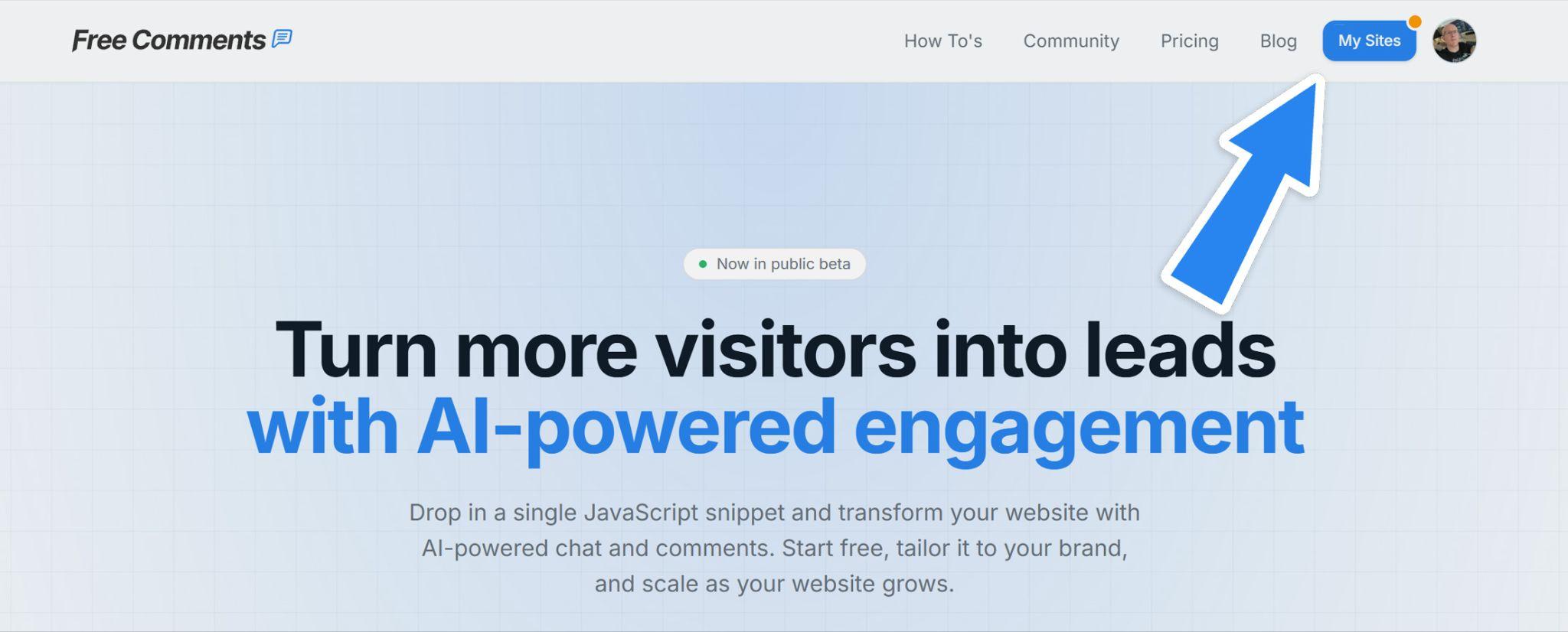
Click My sites in the header:
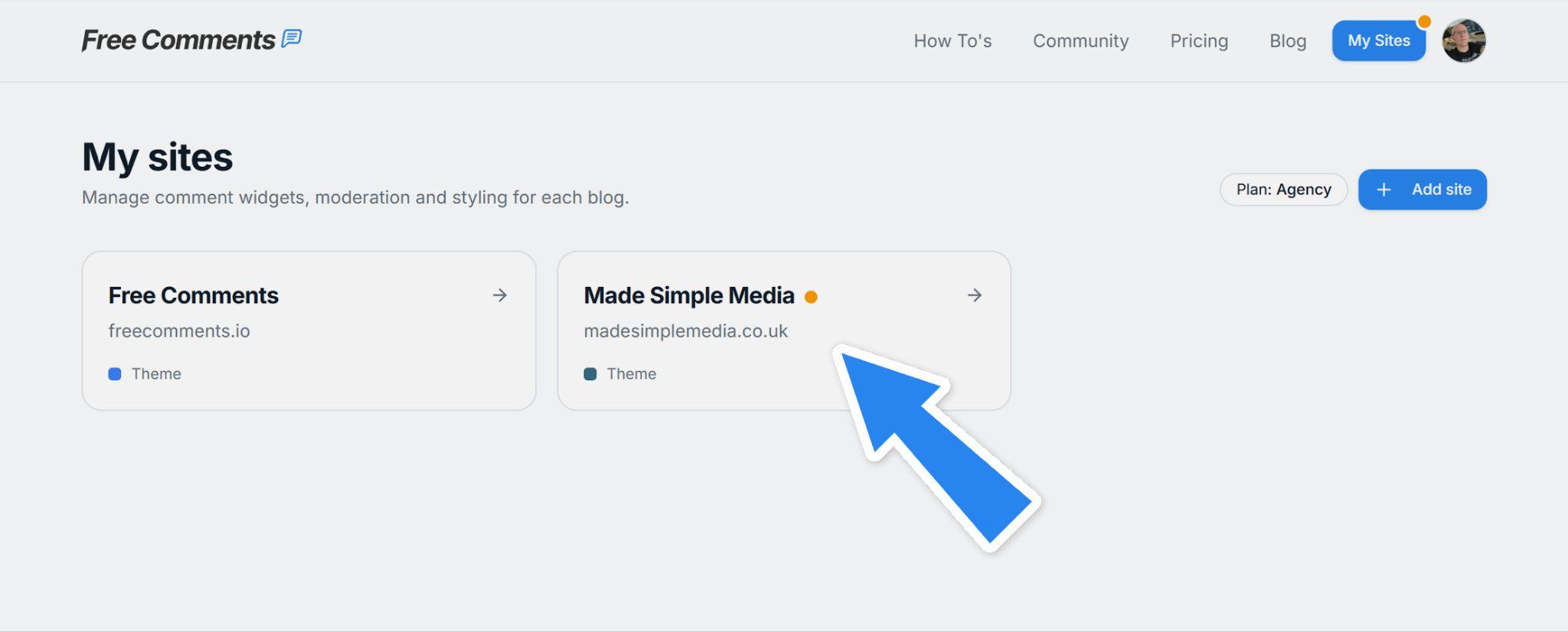
Click on the site you want to add reviews to:
Then click on the Reviews tab:
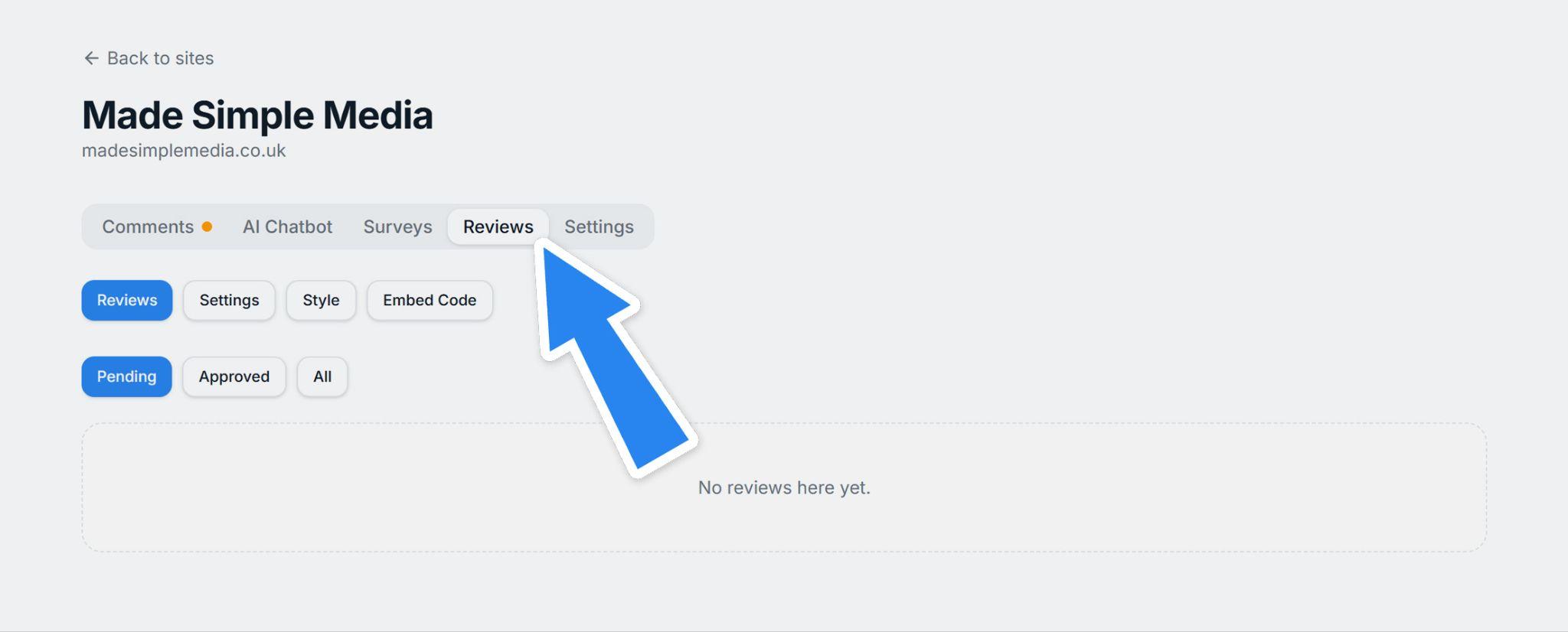
In Reviews, you have the following sub-tabs:
- Reviews — Lists current reviews so you can reject or approve them
- Settings — Gives you moderation settings and ability to show/hide avatars
- Style — Here you can change the colors, fonts etc. to style your reviews tab
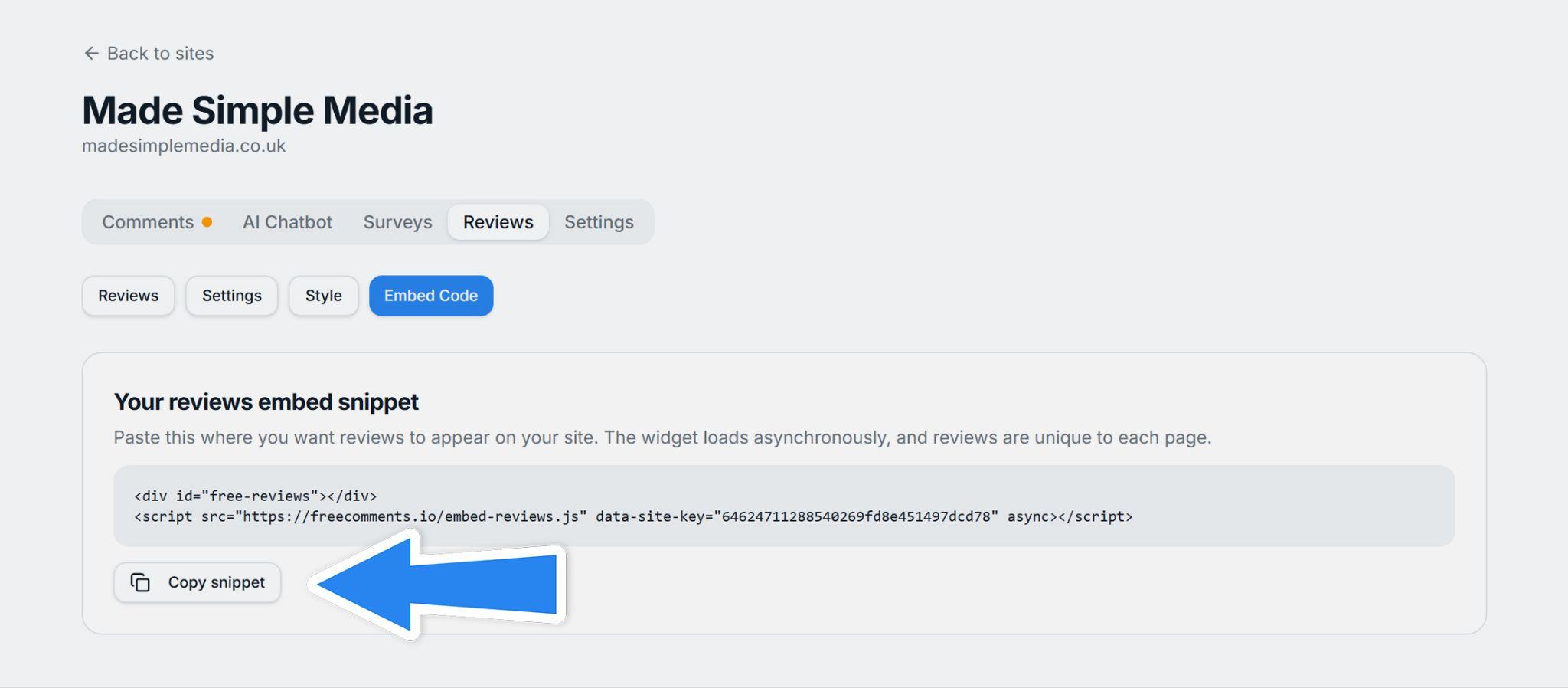
- Embed Code — Add this code to your site to show your reviews
Let's run through them one by one:
Reviews
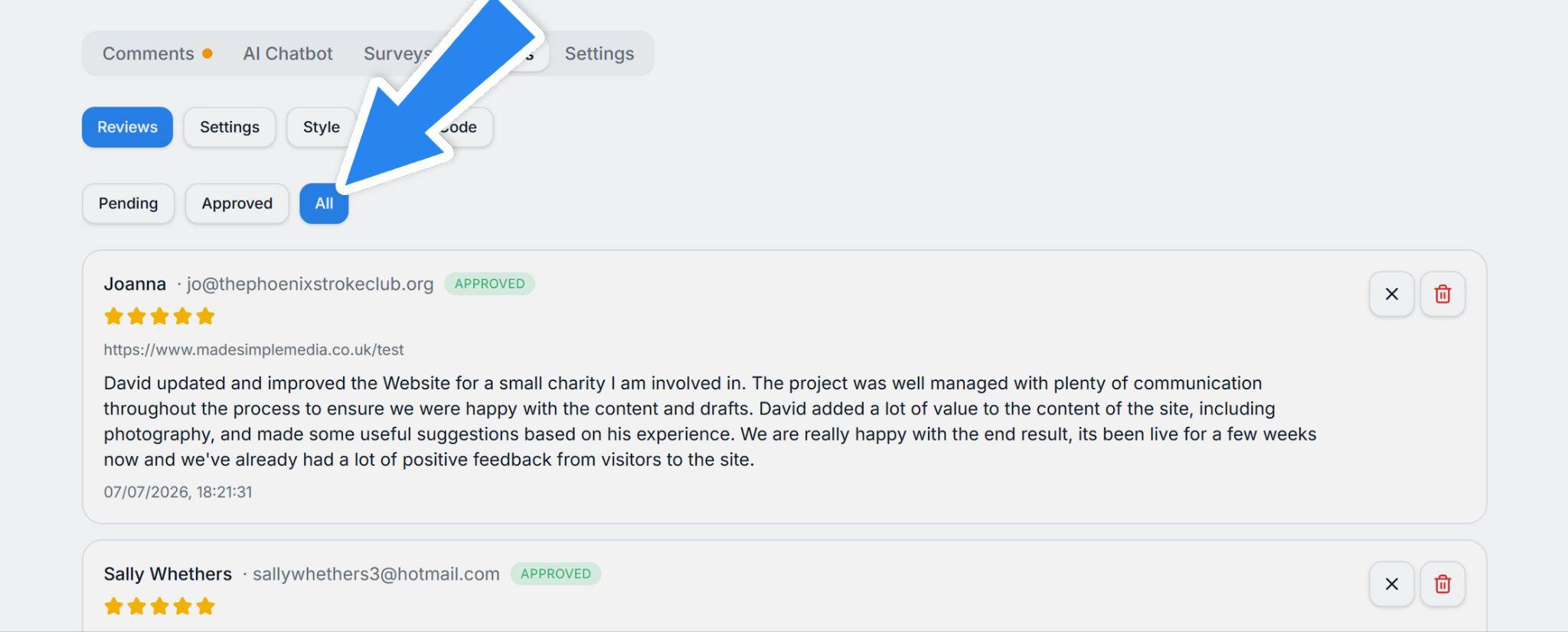
Here you'll see any Pending reviews that you need to approve. Then there is the Approved tab for reviews you have already approved, and finally the All tab that shows them all:
Settings
Here you choose whether to manually approve all reviews or automatically approve/reject them using AI-moderation. You can also disable the display of avatars if you don't want them showing in your Reviews widget:
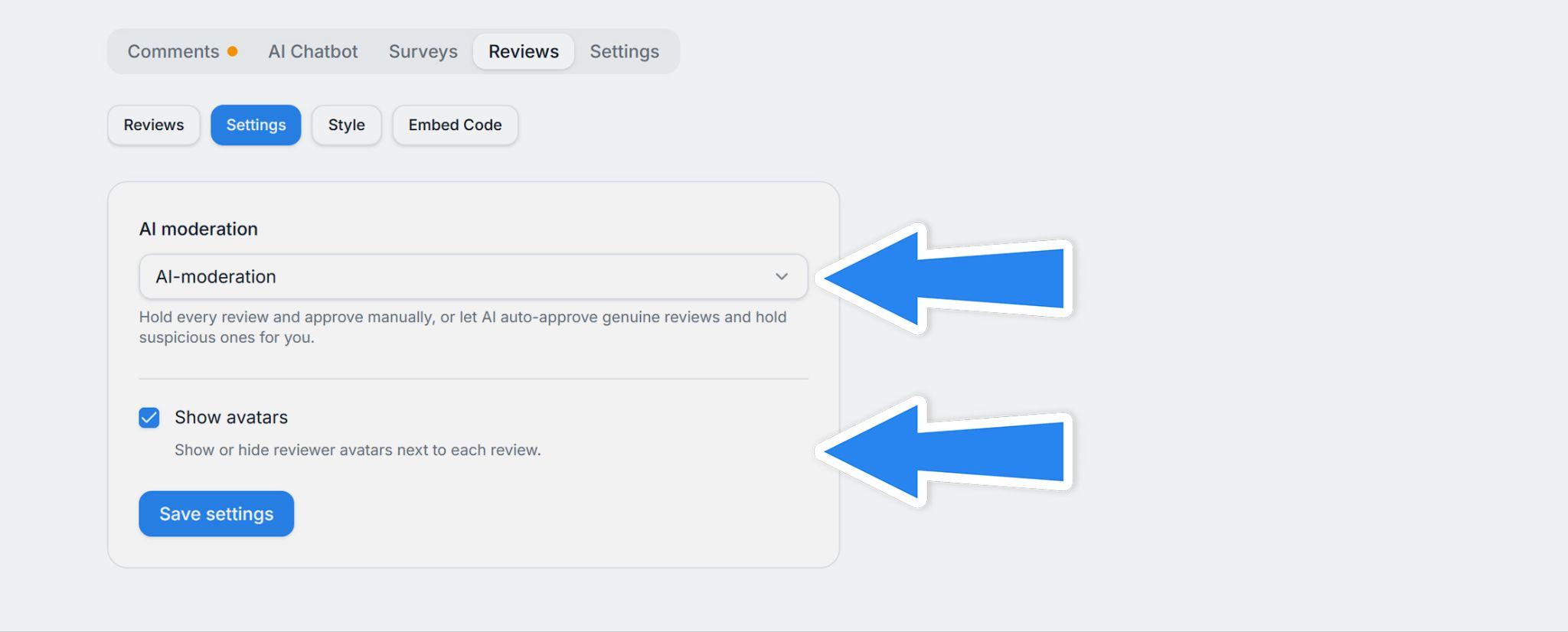
Note: Even if the AI approves or rejects a review, you can still go to Reviews and manually approve or reject them if you need to.
Style
This is a fun section — you get to choose the colors, fonts and other styling settings to make your widget match the rest of your website:
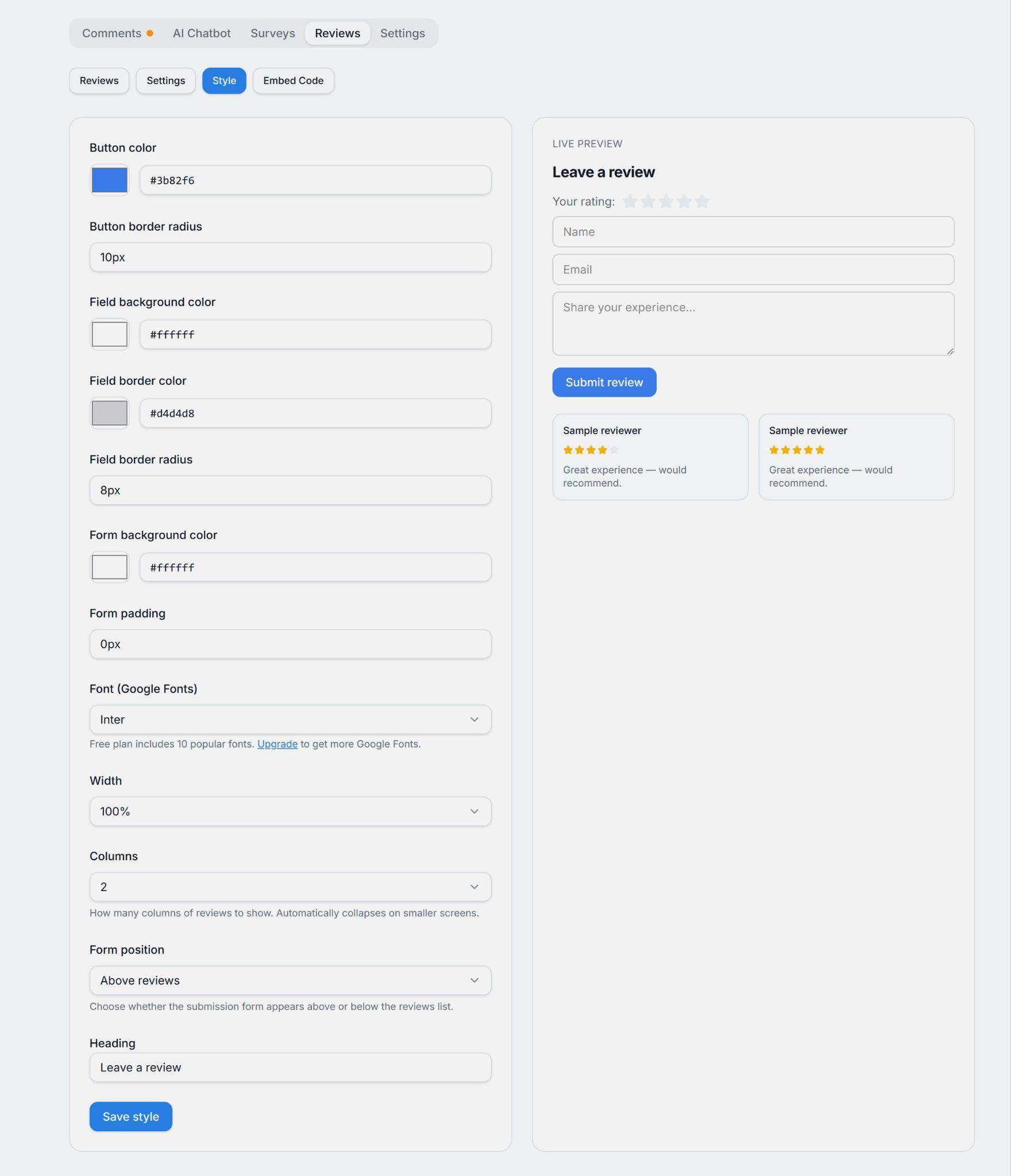
The Live preview on the right shows you how the reviews will look when you embed them in your site.
Embed Code
Head on over to the Embed Code tab. You're now ready to add your reviews to your website.
Click on the Copy snippet button under the code snippet:
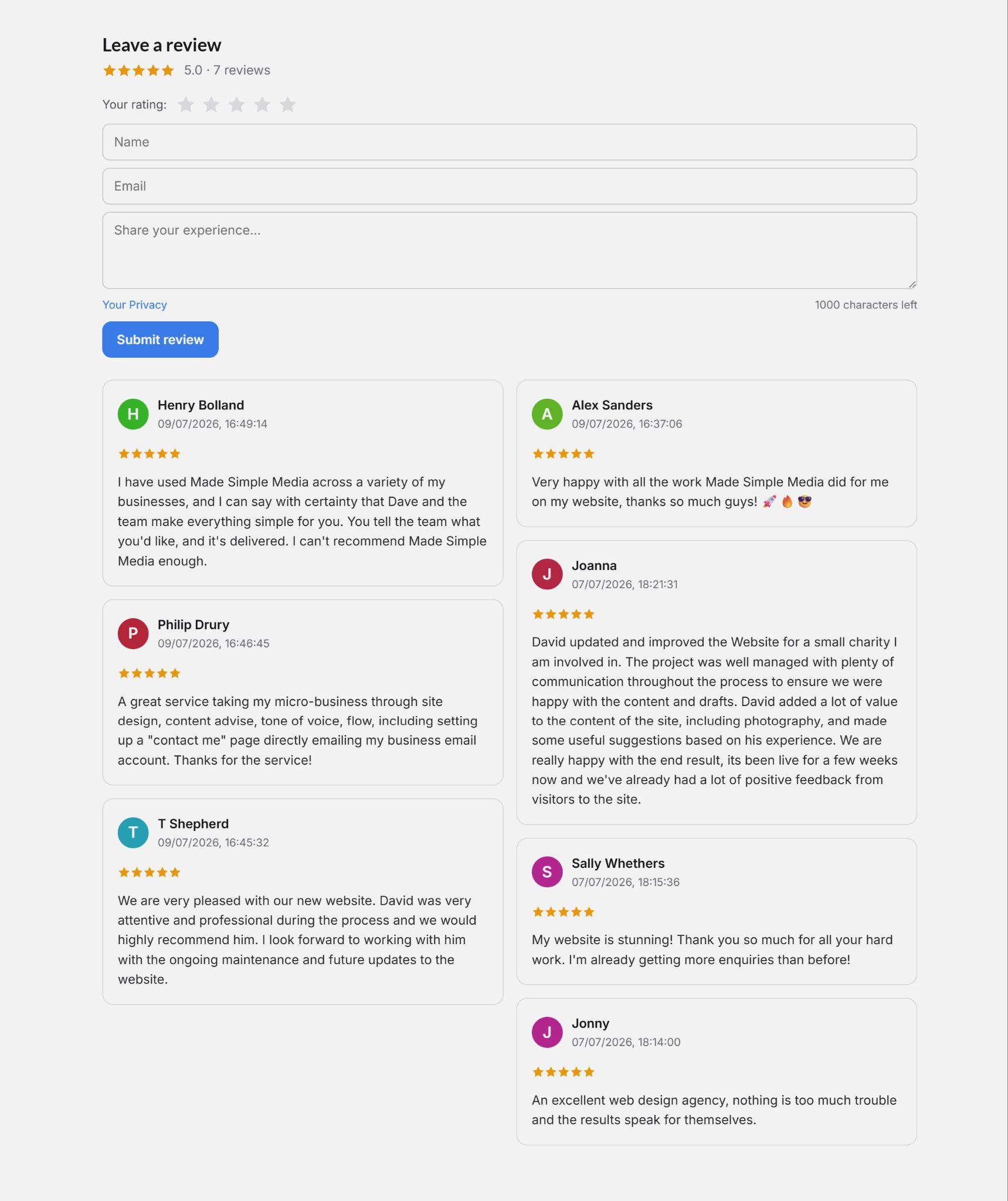
Where to put reviews
The Reviews widget is page-specific, not site-wide, so you can embed it on different products or services and it'll show reviews for each.
Of course, you can create a dedicated reviews page too and send customers there if you want general feedback about your company and level of service.
Ask for reviews
Customers often won't think to leave a review, especially if you have done a great job and the transaction has been swift. So, it pays to contact customers and ask them to leave you a review.
Reviews are so important for building trust and promoting more sales, it's worth sending customers a link to your reviews page, with an incentive like a 10% discount on their next purchase.
Start collecting reviews today and watch your customer base grow!